

VJ Master
Get To Know The Plugin
VJ master is an AIO toolkit for audio analysis, control and visualisation.
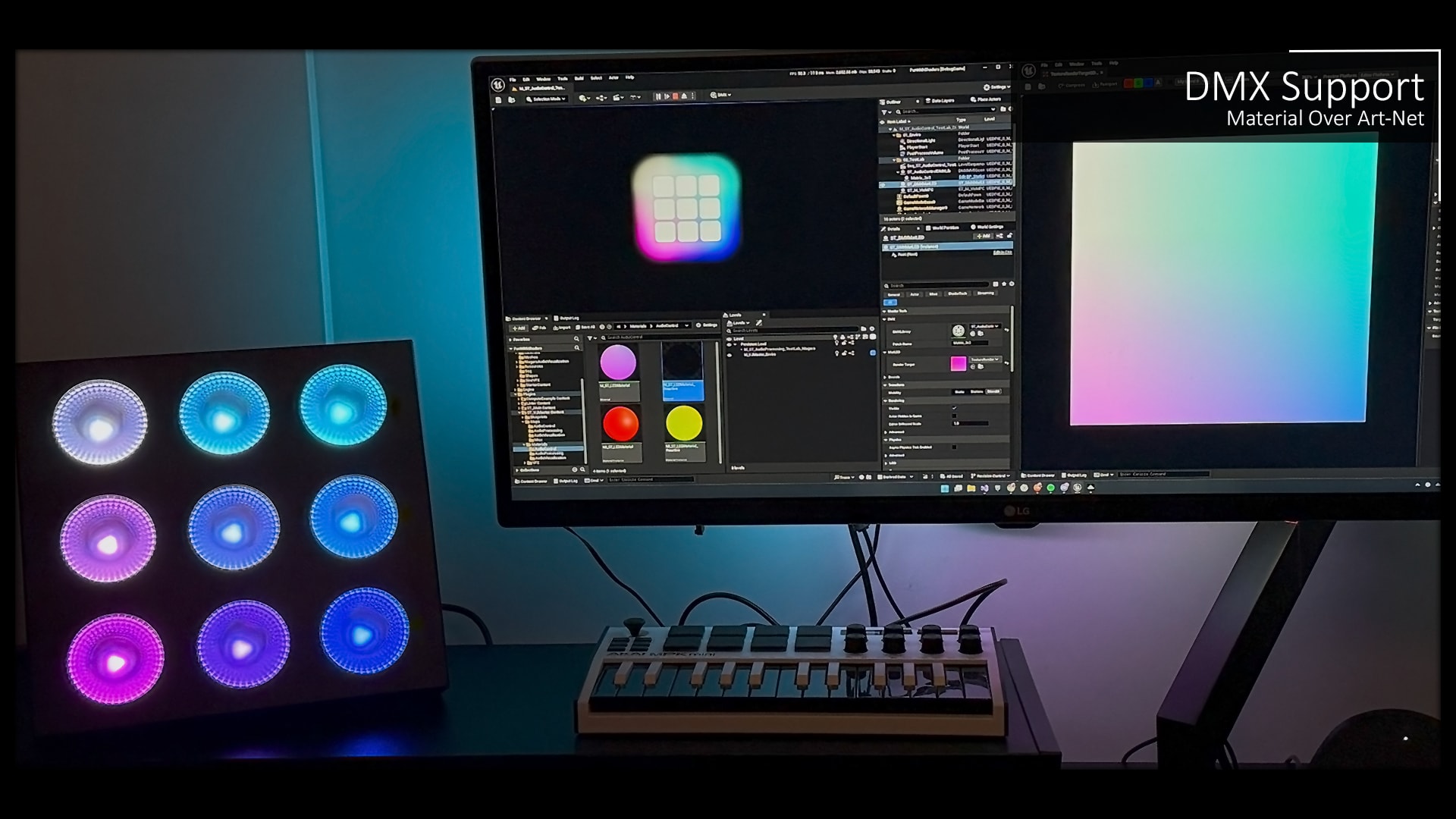
It is a UE5 plugin, packed with custom material expressions, niagara data interfaces and many examples such as a reactive boids compute shader. I have included some helpful tools for integrating common protocols such as MIDI, OSC, UDP/TCP and DMX (ArtNet, Sacn).
It is industry-proven, currently running in a permanent art installation in Germany.
After trying a handful of marketplace plugins for different installations, I kept finding gaps. So I built this to finally have something that worked the way I needed.
Decide If It Is For You
You would need at least an intermediate proficiency in UE5 for this plugin to be useful to you.
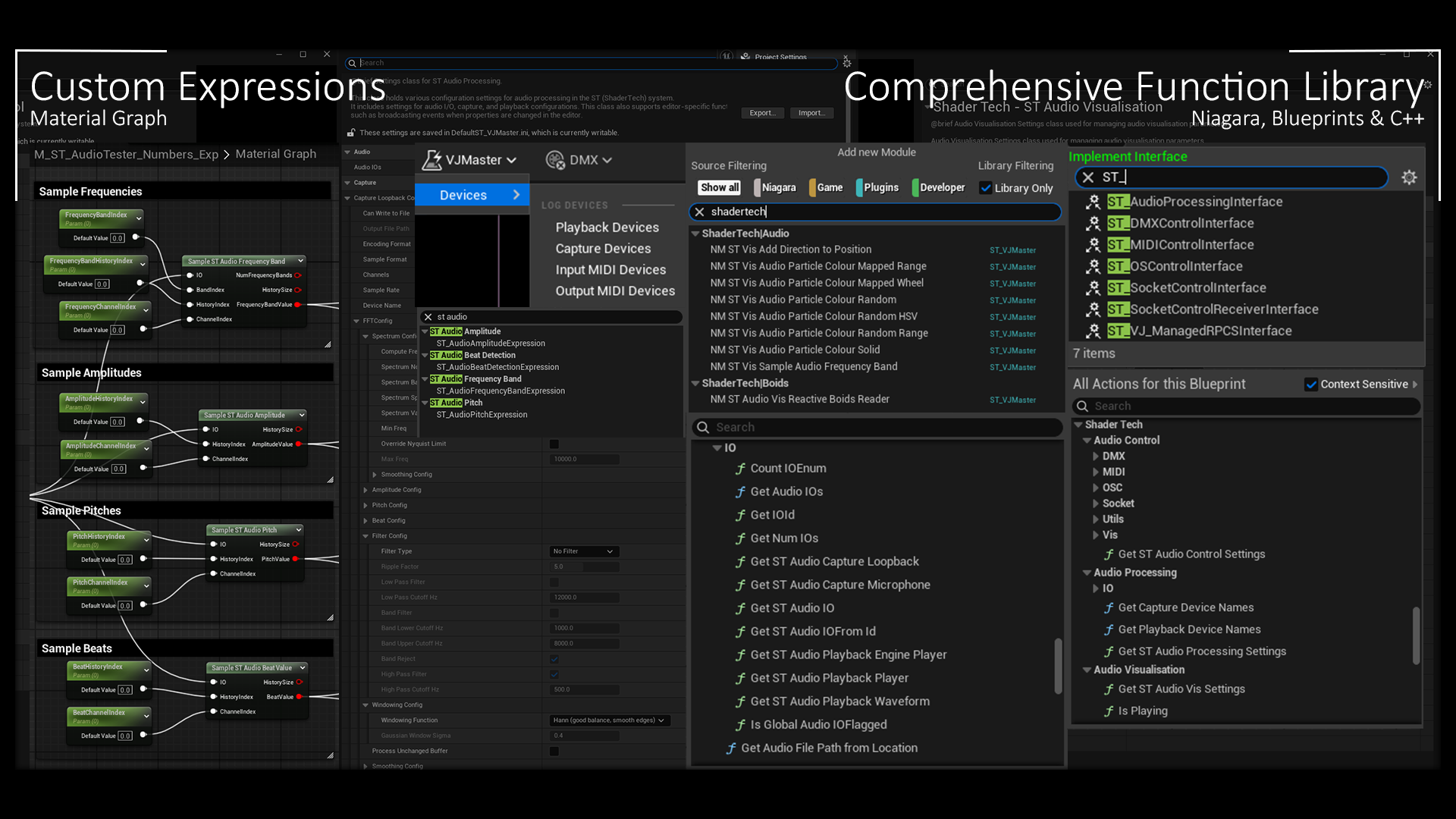
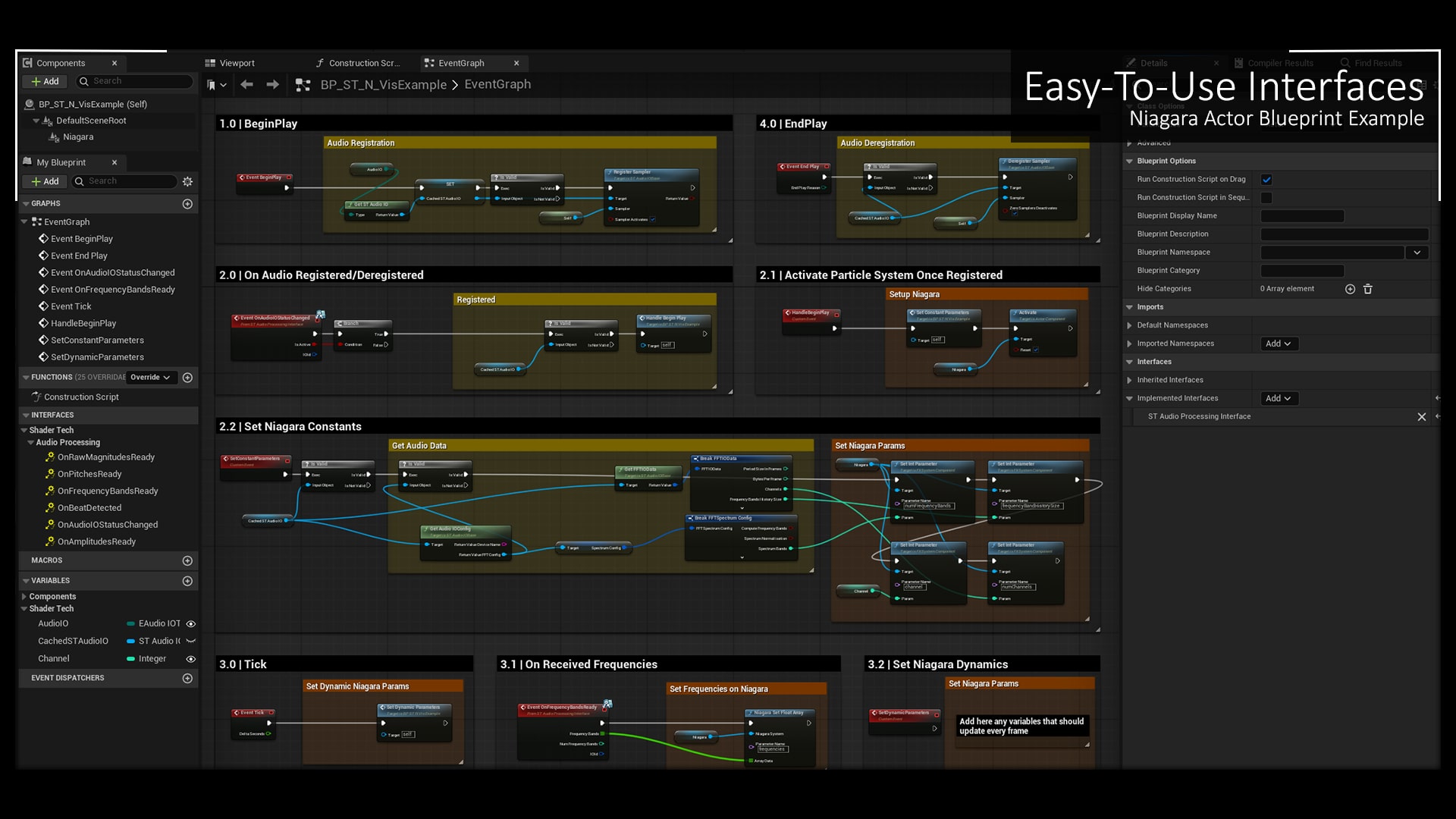
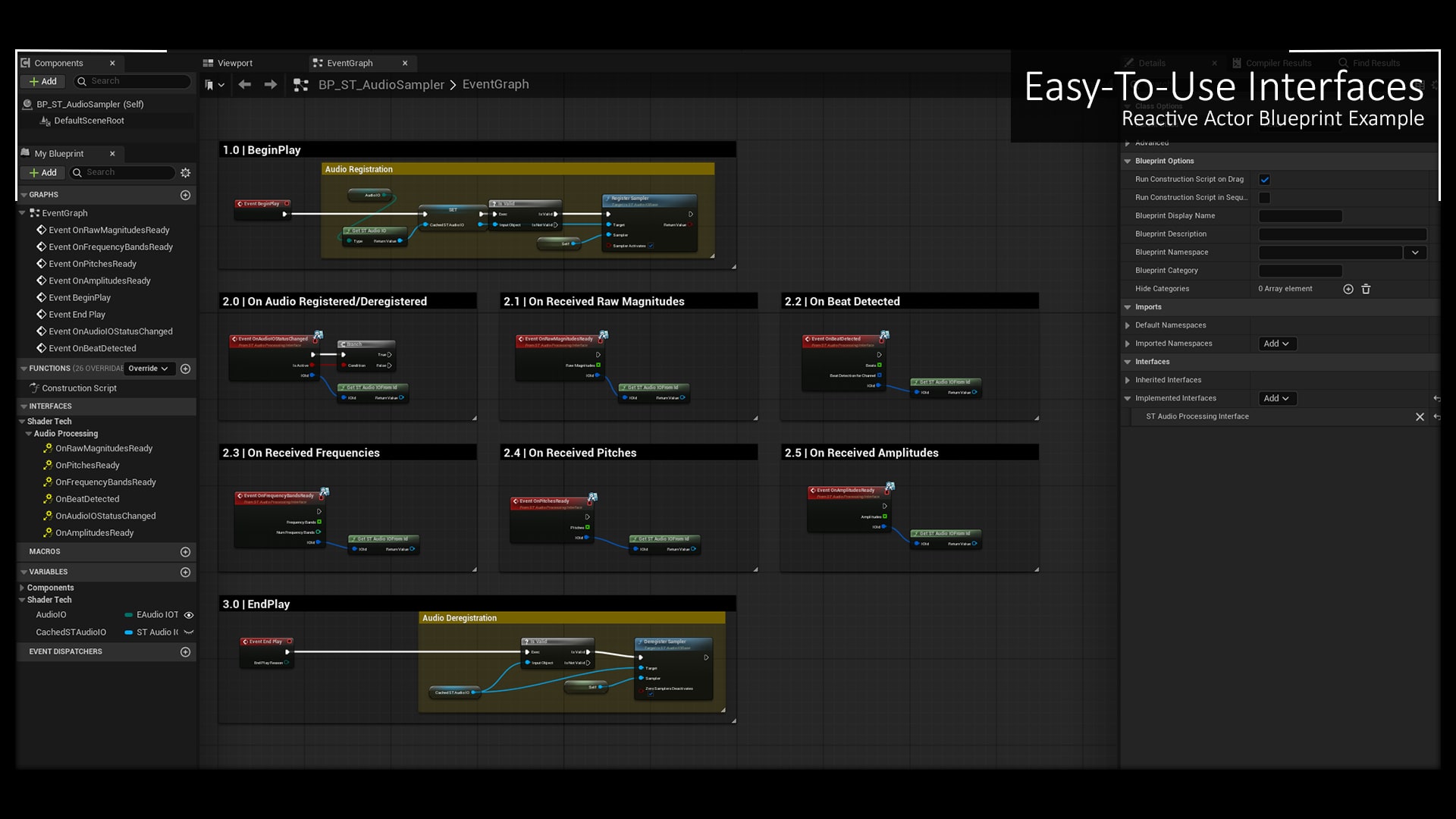
From blueprints, you can hook into the output of the analysis through an interface without going near the backend.
All algorithms are written in C++ but are totally configurable from the project settings. However, if you were to change how the analysis is carried out or to extend it with your own algorithms then you will need to write code.
Code comments, plugin documentation and plugin support are in English language.
Features
Audio Control
Material To DMX
MIDI
Easy-to-use interfaces that combine both Sending and Receiving
OSC
Material To OSC
Socket
Material To UDP/TCP
RenderTarget To UDP/TCP
Extends Engine Plugins
DMXEngine + DMXProtocol + DMXFixtures MIDIDevice
OSC
Audio Processing
Audio Capture via MiniAudio
Windowing
FFT via KISS FFT
Smoothing
Spectrum Analysis
Frequency Bands
Amplitude
Pitch
Beat Tracking
Supports
USoundWaveProcedural
Multichannel Analysis
Audio Visualisation
Custom Material Nodes (query the audio buffer)
MIDI Reactive Material Example
Compute Shaders
Reactive Boids Example (rendered via Niagara)
Niagara
Frequency Bands Vis Example
Amplitudes Vis Example
Pitches Vis Example
Spectrogram Vis Example
Beat Tracking Vis Example
Niagara Data Interfaces
Audio Buffer
Waveform Colour Profiles
Sales Pitch
Fast & Reliable
It is currently running in a permanent art installation in Germany. It is designed to jumpstart your reactive project by getting all the boring stuff out of the way so you can work on creating fun visuals.
Supports Popular Protocols
Send over DMX over Art-Net & sACN.
Send/Receive over MIDI
Send/Receive over OSC
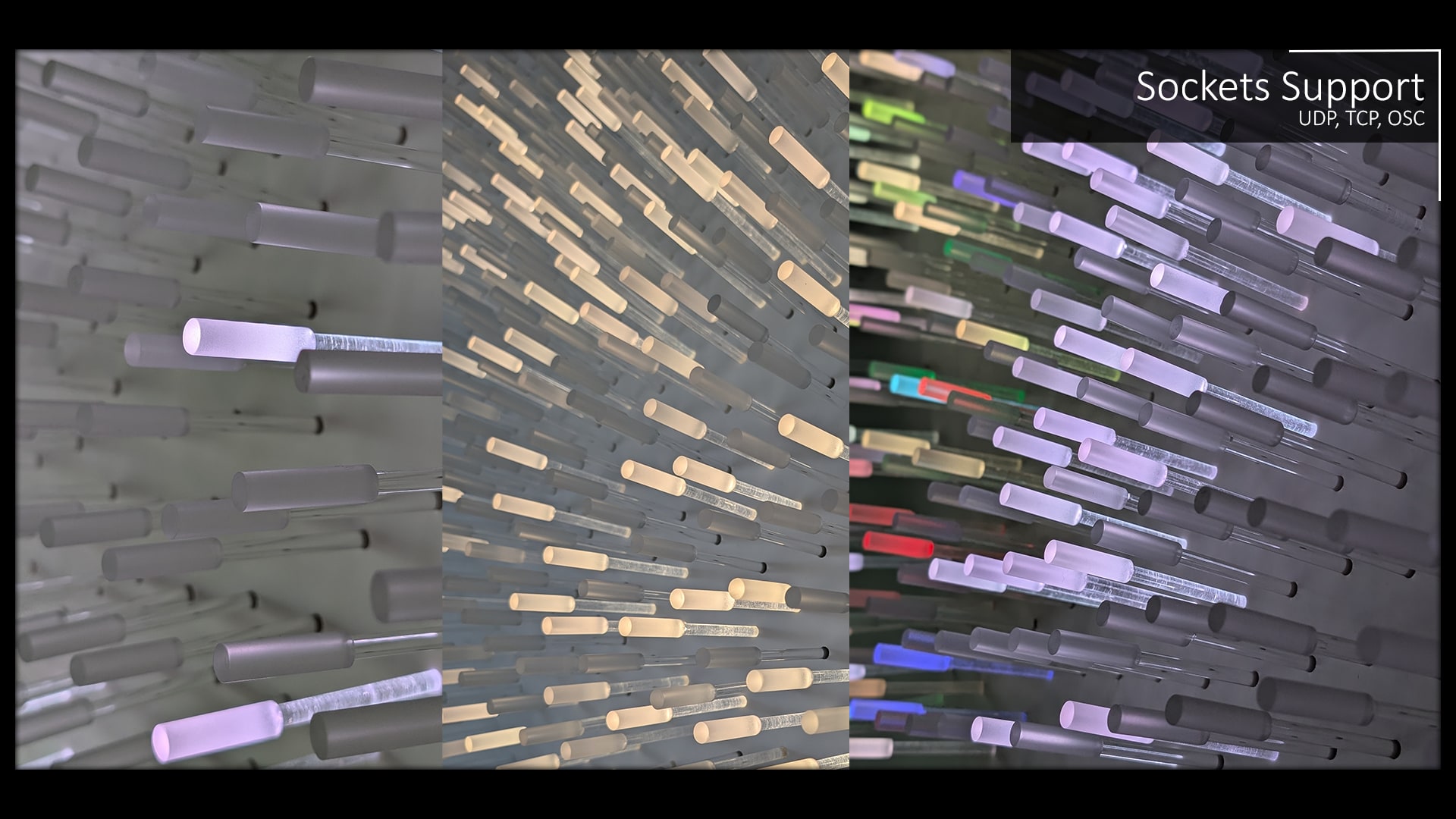
Send/Receive over UDP & TCP
Blueprintable
It is extremely easy to set up and configure. It is written in C++. but there are plenty of blueprint-exposed functions, properties and interfaces available for you to work with.
Easy Configuration
Configuration of the audio analysis can be carried out entirely from the project settings. Each IO process can be customised separately.
You would likely need some experience with C++ to make modifications to the plugin or do a commercial project, but there is enough there if you just want to start producing some cool reactive visuals quickly.
Compute Shader Support
I have provided you with a reactive boids example for reference. You will need C++ to work with compute shaders but you now can finally start porting across all those old Unity projects.
Your visuals will be able to react against multiple IO processes.
Multithreaded Analysis
The FFT analysis happens inside an easy to configure FRunnable. Each IO process will run on a different thread keeping your game thread as light as possible.
Lots of Settings
Windowing
Rectangular
Hann
Hamming
BlackmanHarris
Guassian
Capture
Microphone
Noise
Pink
Brownian
Spectrum Spacing
Linear
OctaveSubdivision
Quadratic
Playback
Noise
Device Player
MA Sound Player
Spectrum Values
Peaks
Filters
ChebyshevTypeI
Waveforms
Square
Triangle
Sawtooth
Encoding Formats
Flac
MP3
Vorbis
Smoothing
Simple Moving Average
Sample Formats
S16
S24
S32
F32
Alpha Mapping
Logarithmic
Gamme
Mission Statement
I want to provide you with a product you can enjoy working with and rely on to deliver your reactive projects.
Therefore, it is my priority to ensure that the plugin is stable and to be upfront and honest about the product’s capabilities and, more importantly, limitations.
Caveats
Platform Restrictions
All other platforms are not supported.
Mac OS does not support loopback capture.
In theory, the audio processing and audio visualisation modules should run on Linux but they have not been extensively tested as some of my Epic plugin dependancies (MIDI, im looking at you) don’t support linux; if you dont need those plugins then remove them and maybe you will get it all working.
I do not intend to touch iOS anytime soon unless there is interest.
Android and Quest VR needs some tweaking to work but has not been extensively tested. Android does not support loopback capture of audio outside the application.
Post Processing Materials Not Supported
Sound Wave Procedural Formats
This is more a note, than a caveat but Unreal’s old audio engine only supports int16 formats, however, float buffers are supported if using the audio mixer. Therefore, I support only s16 and f32 audio formats. All other formats are ignored.
Playback & Capture Limits
I support having multiple playback and captures at the same time, providing they are all of different sources.
For example, you can capture microphone and capture loopback at the same time. You cannot capture more than one microphone at a time.
WASAPI Only Loopback
Roadmap
Backlog
Android (VR) Support
Some of the Unreal dependancies cannot be built to Android. I need to make this plugin more modular.
Remove Playback & Capture Limits
See the corresponding caveat. I will solve this.
In Progress
Vertex Factory
Feature
Create a vertex factory for the compute shader instead of using Niagara to render the particles.
On Hold
Release Notes
Version 1.5 (03/01/2026)
Improvement | Temporal decoupling for a more predictable latency
Supports: UE 5.8.x (FAB did not accept MACOS as it could not find MiniAudio, but adding it manually will work)
Supports: UE 5.7.x
Supports: UE 5.6.x
Supports: UE 5.5.x
Version 1.4 (14/10/2025)
Improvement | More interesting logs
Improvement | Const-correctness across codebase
Supports: UE 5.7.x
Supports: UE 5.6.x
Supports: UE 5.5.x
Version 1.3 (16/08/2025)
Bug | Fixed issues with packing s24
Bug | Fixed player not looping
Improvement | More accurate beat detection and bpm counter
Improvement | General Refactor
Supports: UE 5.6.x
Supports: UE 5.5.x
Upgrade Warning
FFFTConfig is now UFFTConfig. IO FFTConfig has converted to a Data Asset to encourage shareability and a more data-driven workflow. Any FFT settings you had set in the project settings will now be lost upon upgrading.
EAudioIOType has been extended with PlaybackNoise, and consequently the enum order has changed. You might find that your code that used this enum might now have a different option selected.
Version 1.2 (21/06/2025)
Supports: UE 5.6.x
Supports: UE 5.5.x
Version 1.1 (15/05/2025)
Feature | Reactive MA Engine Playback
Feature | More Playback Waves
Feature | USoundWaveProcedural Support
BugFix | Fixed Broken Microphone Capture
BugFix | Fixed Broken Capture Formats
Supports: UE 5.5.x
Version 1.0 (28/04/2025)
The beginning of Time
Supports: UE 5.5.x